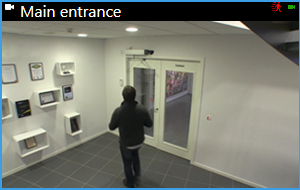
Show/hide the camera title bar and camera indicators for all views
Knowing the status of the shown video is helpful. For example, is the video being recorded? But you might prefer not to show the camera indicators.
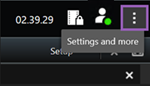
On the global toolbar, select Settings and more.
Select Settings.
On the Application tab and for the Default for camera title bar option, select Show or Hide.
Note
If you choose not to display the title bar, you can’t see the visual indicators for motion and events. As an alternative, you can use sound notification.