Save searches
You can save your searches, so you can reuse them later or share them with other operators.
On the Search tab, configure your search. See Searching for video data.
Click
 to the right of Search filters.
In the list that appears, click Save as. A window appears.
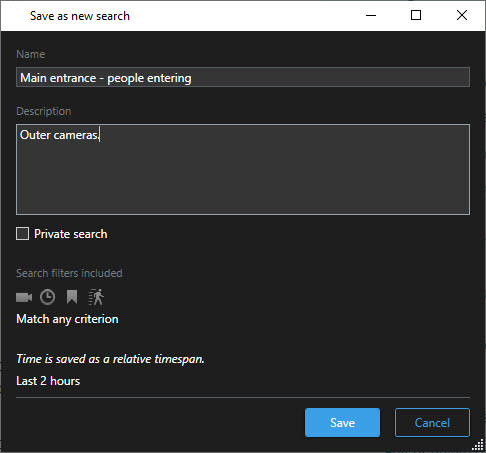
Select a name that will make it easy for you to find the search, and possibly also a description. Later, when you use keywords to find the search, the search includes both the Name and the Description fields.
To make the search visible only to you, select the Private search check box.
Click Save. A progress bar informs you when the search is saved.
Tip
To get an overview of saved searches, click and then Open and manage searches.