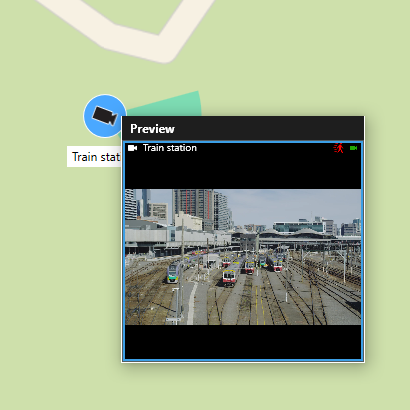
Preview live video from one camera
You can preview video from a single camera on a smart map. The live video is displayed in a preview window. To view recorded video from the camera, you can start independent playback or send the video to a new floating window.
Select the smart map and find the camera to view video from.
Double-click the camera, or right-click and select Live preview. The live video feed is displayed in the Preview window.