Preview live video from multiple cameras
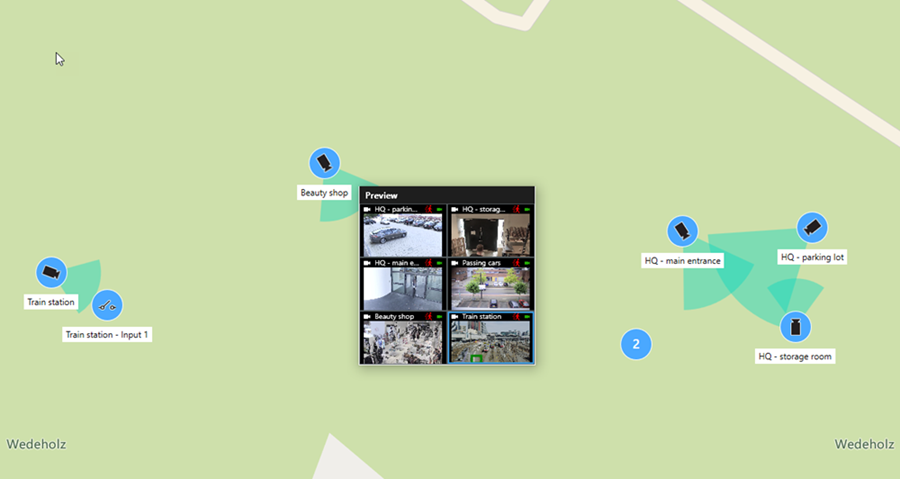
You can preview live video from up to 25 cameras on a smart map at the same time. To view the recorded video, you can send it to a new floating window.
Select the smart map and find the cameras to view video from.
Select the cameras using one or more of these methods:
Press and hold the CTRL key at the same time as you select the cameras.
In the toolbar, first click the Select multiple cameras icon
 , then select and drag to select the cameras within an area.
Double-click a cluster icon to zoom in and select the devices and potential sub-clusters inside the cluster.
Select at least one cluster to select all cameras in the clusters in one go.
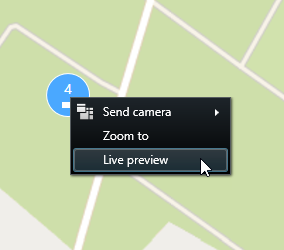
Right-click any of the selected cameras or clusters and select Live preview, or press Enter.