Open search results in detached windows
You can open a search result in a new window. The window opens in playback mode allowing you to investigate the incident using the main timeline and perform other actions, for example exporting video.
Hover over the search result and select the blue check box that appears.
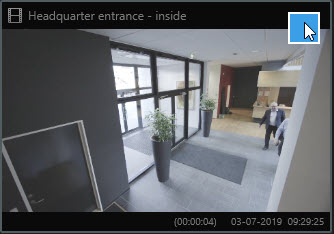
The blue action bar appears:

Click
 to open the search result in a new floating window in playback mode.
To move the window to a different monitor, click and drag the window and release when appropriate.