Maps
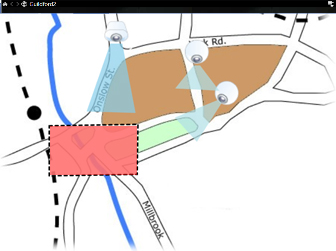
With a map, you get a physical overview of your XProtect VMS system. You can instantly see the cameras and other devices added to the map and the direction in which the cameras are pointing. You can use maps for navigation. Maps can be grouped into hierarchies so that you can drill down through hot zones, from overview perspectives to detailed perspectives, for example, from city level to street level, or from building level to room level.
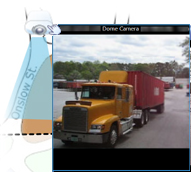
You can view recorded video from cameras in a preview window when you move your mouse over a camera icon on the map. The status information in playback mode is not based on recorded data, but retrieved from the elements’ current status, as displayed in live mode.
An example of a map with camera elements and hot zone: