Delete bookmarks
You can delete bookmarks created by yourself or others. If you delete a bookmark, it is removed from the database, and you can no longer find it.
Steps:
On the Search tab, find the bookmarks that you want to delete.
In the search results, hover over each of these bookmarks and select the blue check box
 .
.In the blue action bar, click
 and select Delete bookmark. A window appears.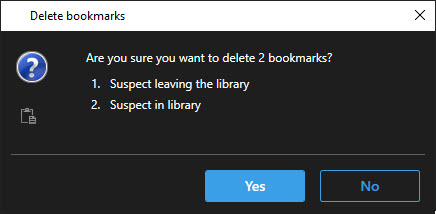
Click Yes to delete the bookmarks.
Note
There may be restrictions in your system preventing you from deleting certain bookmarks. In that case, you will be notified.