Define a preset position for a PTZ camera
If you frequently use the same pan, tilt, and zoom movements with your PTZ camera, you can save these positions as presets for quick access.
Select the camera view item with video from the PTZ camera.
On the camera toolbar, select the PTZ icon
 to open the PTZ menu.
Select Manage PTZ presets to open the window.
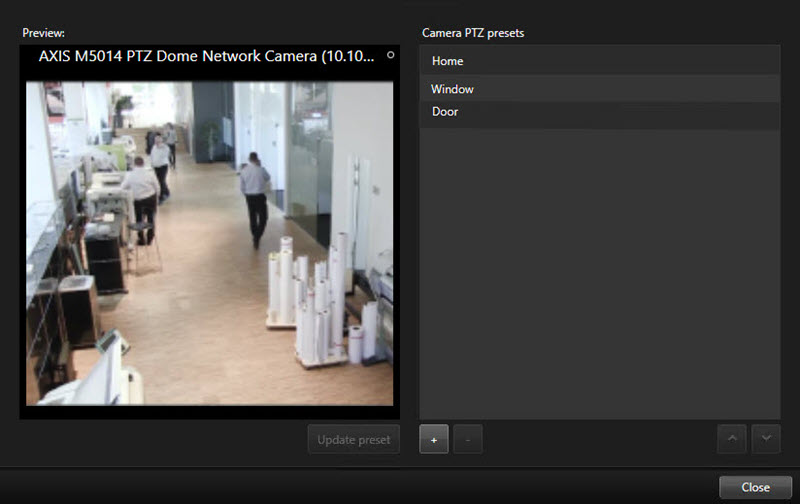
Select the plus icon
 to add a new preset position.
Select your preset position and give it a name.
Use the PTZ buttons to go to the relevant position and select Update preset to save.
If you want to sort your presets, use the up or down arrows to reorder the preset positions in the list.