Custom overlays and locations
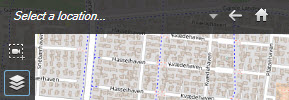
You can quickly jump to custom overlays that you have added to your smart map as described in Go to a custom overlay on your smart map. However, in the settings, you can establish a connection between custom overlays and locations. This means that whenever you add a new custom overlay, XProtect Smart Client creates a location with the same name as the overlay on the exact same spot on the map. The location of the custom overlay now becomes available in the Select a location list.
The overlay and location are not linked. For example, you can delete or rename the location without changing the overlay, and vice versa.
Note
To turn on this feature, see Add locations to custom overlays (Smart Map).