Change the language of XProtect Smart Client
XProtect Smart Client is available in several languages.
On the global toolbar, select the Settings and more button.
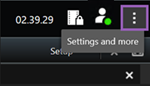
Select Settings.
On the Language tab, select the language you want to use.
Right-to-left languages
XProtect Smart Client supports certain right-to-left languages. If you use one of these languages, the user interface’s layout also changes to right-to-left. Buttons, toolbars, and panes move to the opposite side of, for example, English. You can select to keep the layout left-to-right when you select to use a right-to-left language.