Bounding boxes
A bounding box is a rectangular border that encloses an object in a camera image in XProtect Smart Client. The default color of the box is yellow, but your system administrator can have selected a different color.
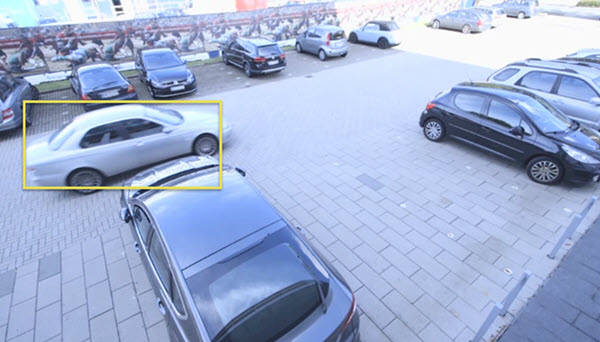
If you can enter setup mode, you can select to show or hide bounding boxes from individual cameras. If you can’t enter setup mode and you can see bounding boxes, your XProtect system administrators have enabled them for you.