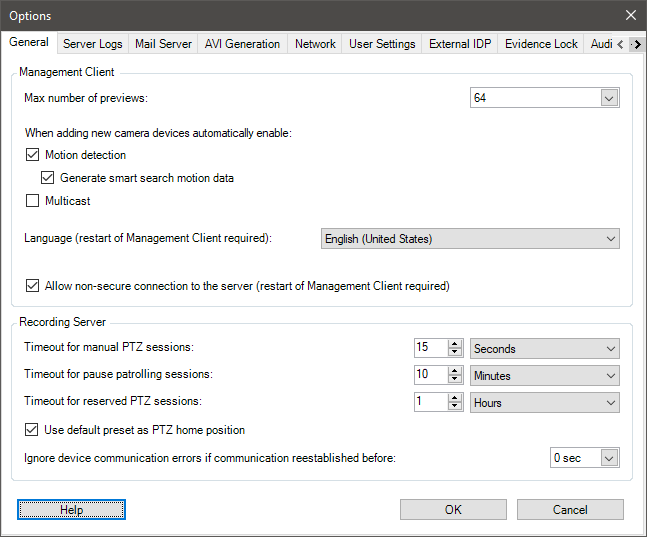
System settings (Options dialog box)
In the Options dialog box, you can specify a number of settings related to the general appearance and functionality of the system.
Note
Available functionality depends on the system you are using. See: Milestone XProtect® Product Comparison Tool.
To access the dialog box, select Tools > Options.