Limit size of database
To prevent the SQL Server database from growing to a size that affects the performance of the system, you can specify for how many days the different types of events and alarms are stored in the database.
Open the Tools menu.
Click Options > Alarms and Events tab.
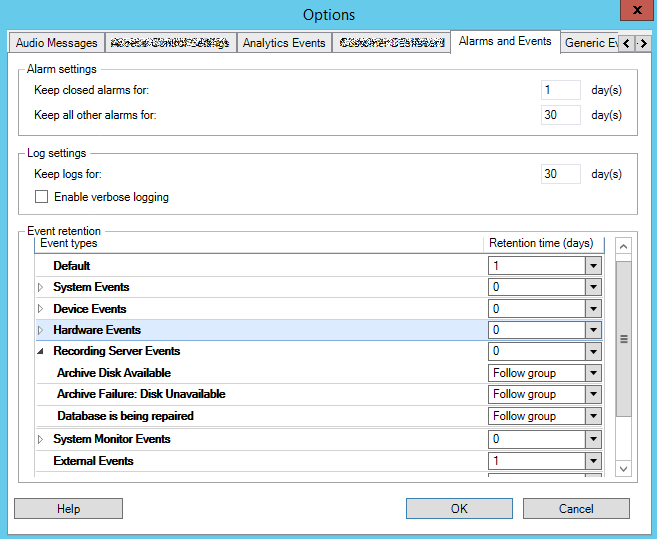
Make the required settings. For more information, see Alarms and Events tab (options)