Change the timeout for lifted privacy masks
By default, privacy masks are lifted for 30 minutes in XProtect Smart Client and afterwards applied automatically, but you can change that.
Note
When you change the timeout, remember to do it for the Smart Client profile associated with the role that has the permission to lift privacy masks.
To change the timeout:
Under Smart Client Profiles, select the relevant Smart Client profile.
On the General tab, locate Lift privacy masks timeout.
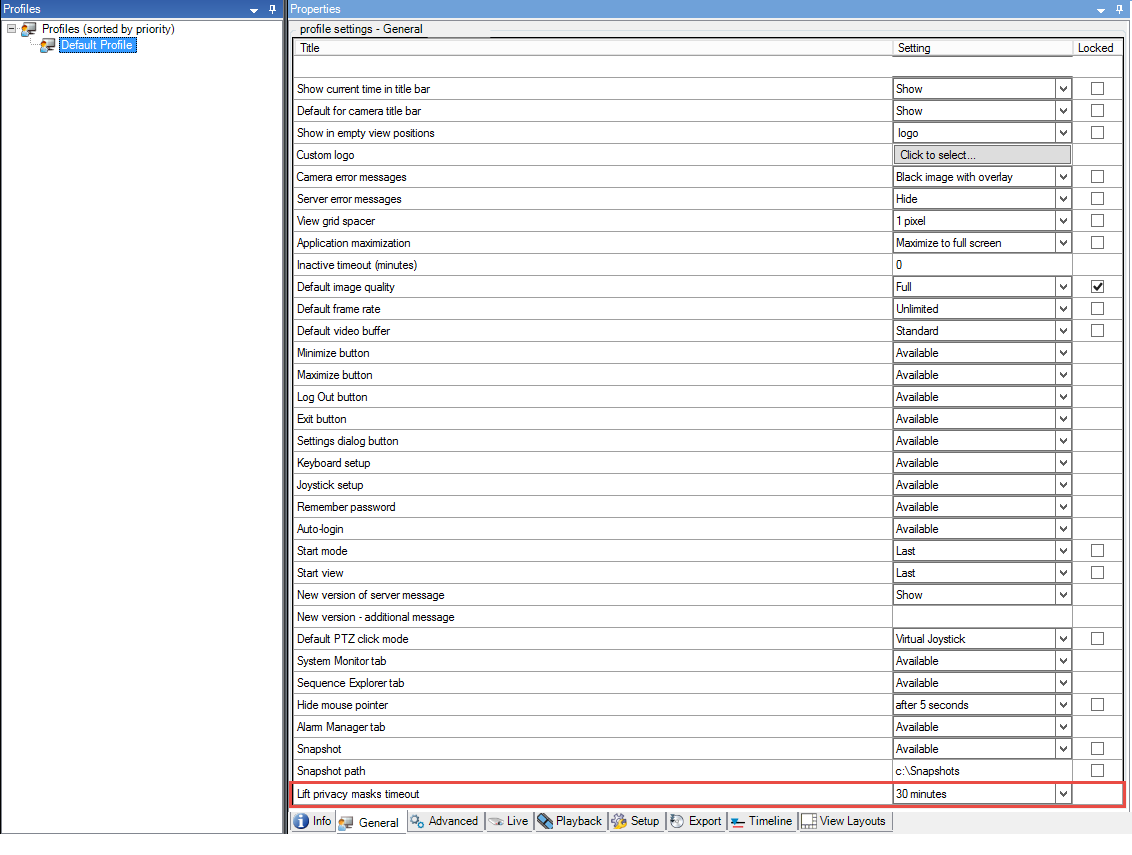
Select between the values:
2 minutes
10 minutes
30 minutes
1 hour
2 hours
Until logged out
Click Save.