Set number of cameras allowed during search
You can configure how many cameras the operators can add to a search in XProtect Smart Client. The default value is 100. If exceeding the camera limit, the operator receives a warning.
In XProtect Management Client, expand Client > Smart Client Profiles.
Select the relevant profile.
Click the General tab.
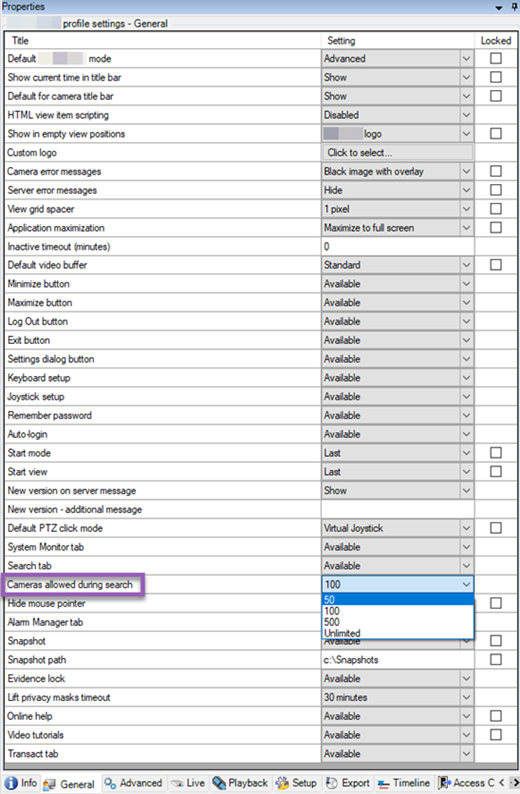
In the Cameras allowed during search, select one of these values:
50
100
500
Unrestricted
Save your changes.