
XProtect Management Client

Main window and panes

Last Updated: 1 minute read

The Management Client window is divided into panes. The number of panes and layout depend on your:

  • System configuration

  • Task

  • Available functions

Below are some examples of typical layouts:

  • When you work with recording servers and devices:
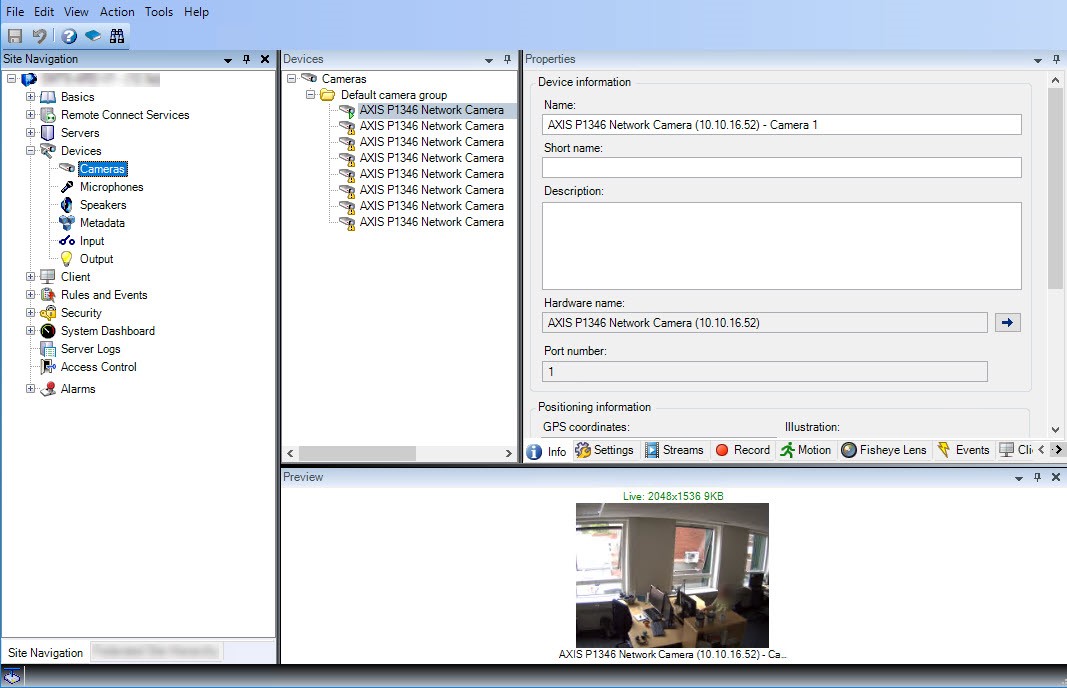
    An XProtect Management Client layout with Site Navigation, Overview, and Properties panes showing device information for a camera.
  • When you work with rules, time and notification profiles, users, roles:
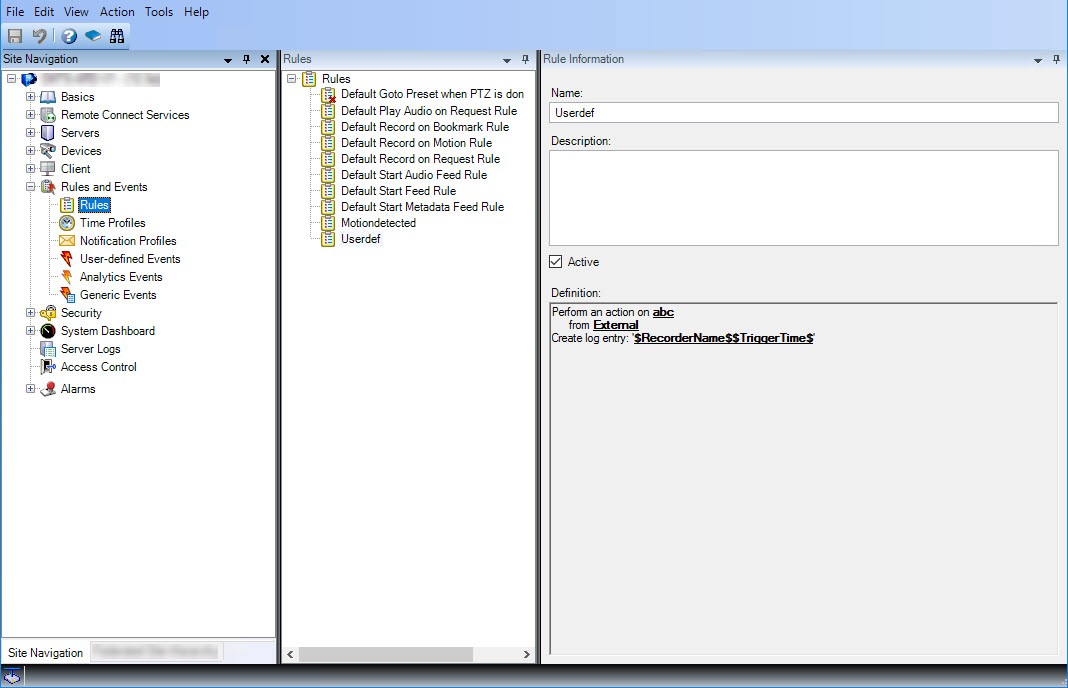
    An XProtect Management Client layout with Site Navigation, Overview, and Properties panes showing rule information.