Match lists tab
On this tab, select which match list(s) you want a specific LPR camera to match license plates against. You can create as many lists as you need (see Add new match lists).
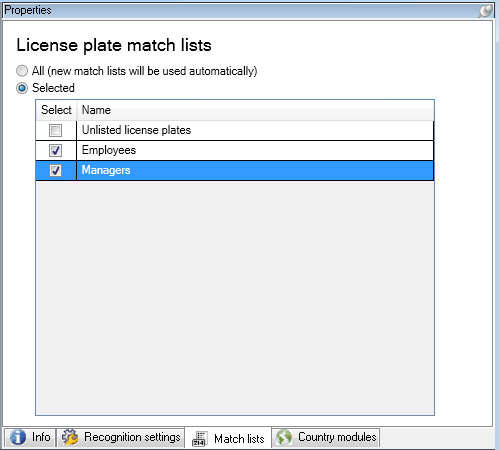
Name | Description |
|---|---|
All | License plates are matched against all available and future lists. |
Selected | License plates are matched against the selected lists only. Select one or more from the available lists. |
After changing the settings for your LPR camera, validate your configuration (see Match lists tab) to check if the system recognizes license plates as well as expected.