Scenario: Use incident types to document who gets injured
To start tracking workplace injuries, you will first only focus on who gets injured. You will use incident types to document this data.
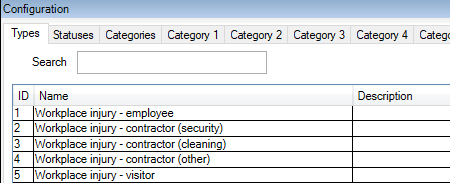
From the Site Navigation pane in XProtect Management Client, select Incidents and then Incident properties. Select the Types tab.
Create the following incident types:
Incident type names |
|---|
Workplace injury - employee |
Workplace injury - contractor (security) |
Workplace injury - contractor (cleaning) |
Workplace injury - contractor (other) |
Workplace injury - visitor |
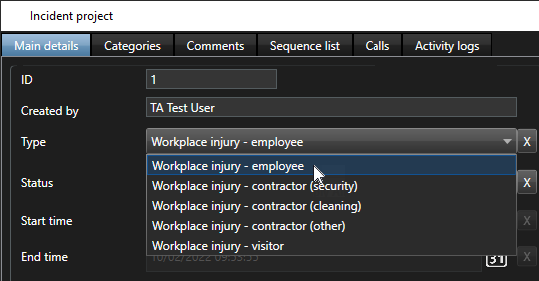
How the defined incident types look in XProtect Smart Client
The next time the operators log in to XProtect Smart Client and start or update an incident project, they can assign one of the new incident types to the incident project.