View cameras live
Expand the Recording Server object to view the list of cameras.
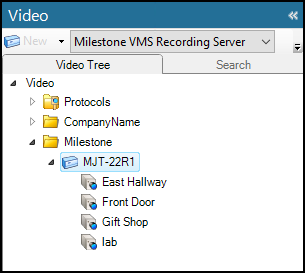
To view video from Milestone cameras, right-click any camera on the list and select the View option from the menu to start a live video pane in the main window of the CCure 9000 Administration Station application.
Select Popup View from the menu to view the video in a separate floating window.
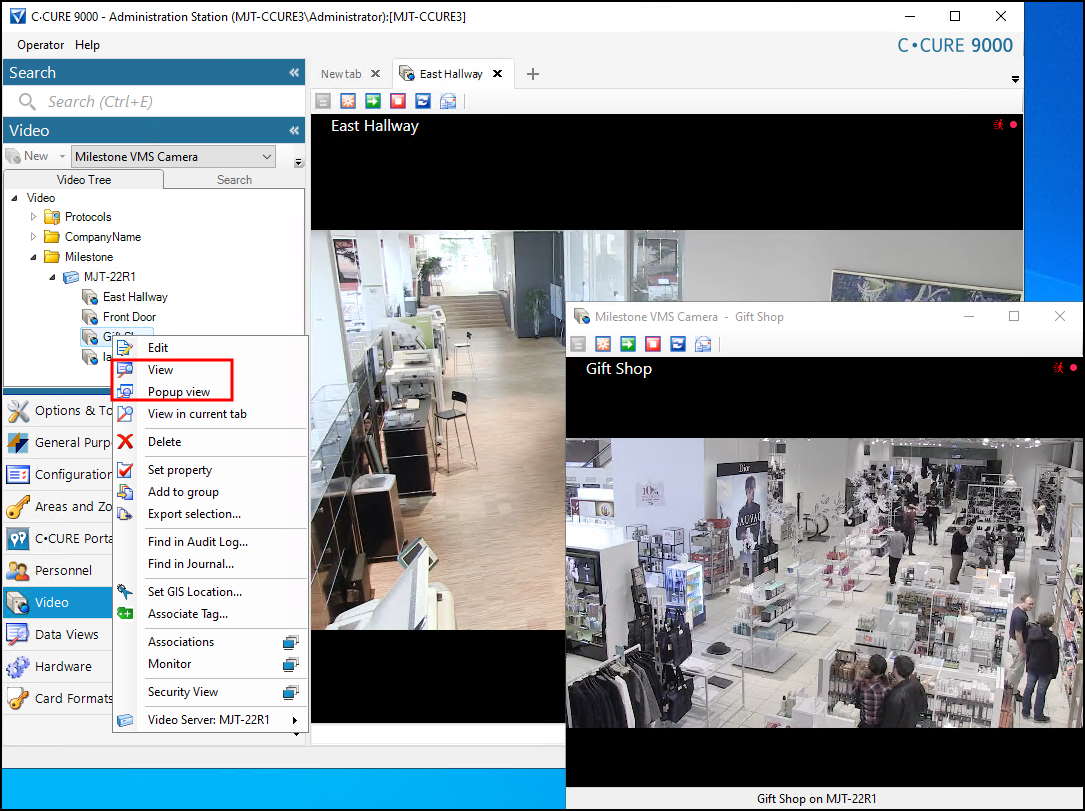
Cameras display live video by default.