Sharing Sheets
The following sheet types are available in Sheets view:
Base sheets – out-of-the-box sheets for quick and easy onboarding.
Community – sheets shared by other users in your organization.
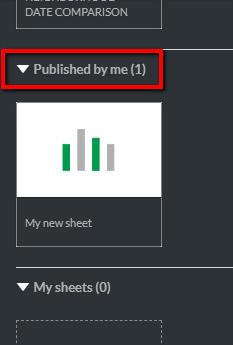
Published by me – sheets shared by your user account with the community.
My sheets – sheets created by your user account that are visible only to you.
To publish a sheet to share with the community:
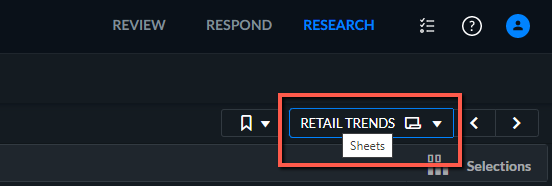
Open the Sheets view.
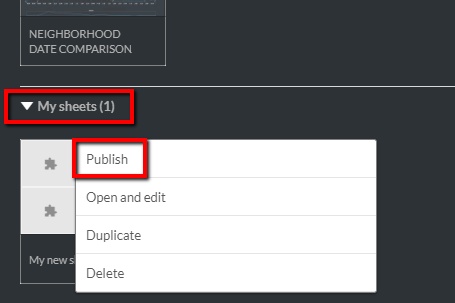
Right-click the dashboard (sheet) you want to share and click Publish.
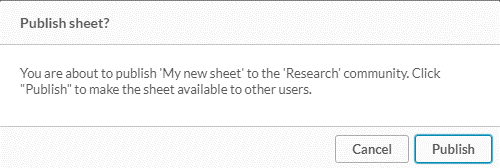
Click Publish.
The dashboard will now appear in the Published by me section. (Other users will see the dashboard in the Community section.)