Changing the Dashboards on the Home Screen
To change a dashboard on the Home screen:
Make sure you have Editor permissions.
Right-click on one of the default dashboards and select Edit Properties.
In the Actions and navigation section, change the dashboard by selecting a new dashboard from the Sheet field.
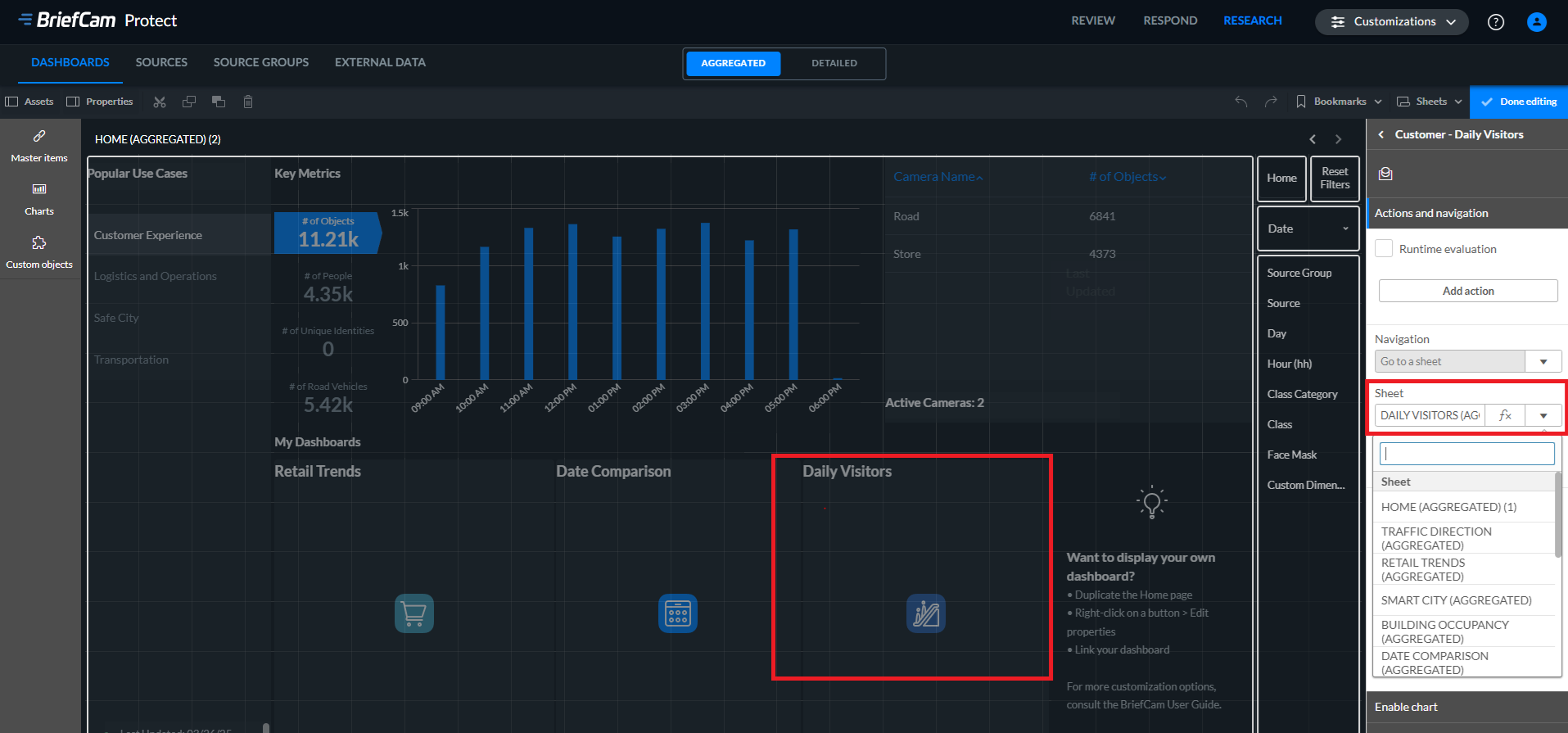
Click the Done editing button.