Changing a Default Value in Visitors Measures
Note that the visitors measures are only available in Detailed dashboards.
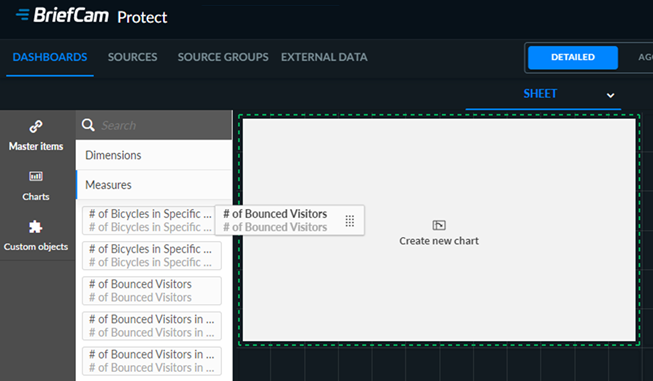
Drag the measure onto the dashboard, such as # of Bounced Visitors.
Unlink the measure by clicking the unlink (
 ) icon.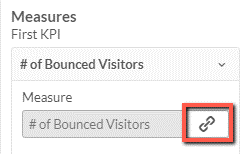
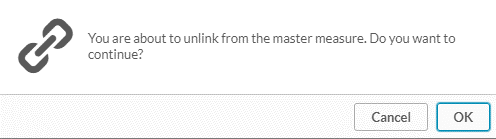
Click OK.
In the Expression field, click the function (
 ) button.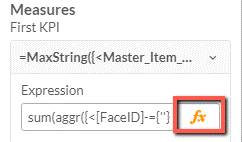
You can change and add values to the Start Time section, for example:
To change the number of seconds, change the number
60(highlighted below).
To change the time range to the last week, add
,Weekin two locations as shown below.
To change the time range to the last hour, add
,Hourin two locations as shown below.
Click Apply.