Account Settings
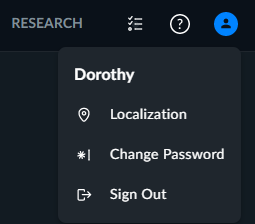
To change the Localization - Account Settings settings or password, or to sign out from the BriefCam web client, click the account icon ( ) at the top right-hand side of the browser page.
Note
The account settings are specific for each user and apply to all solutions – REVIEW, RESEARCH and RESPOND.