Reusing Existing Sheets
To reuse an existing sheet:
Right-click on the sheet you want to reuse and click Duplicate.
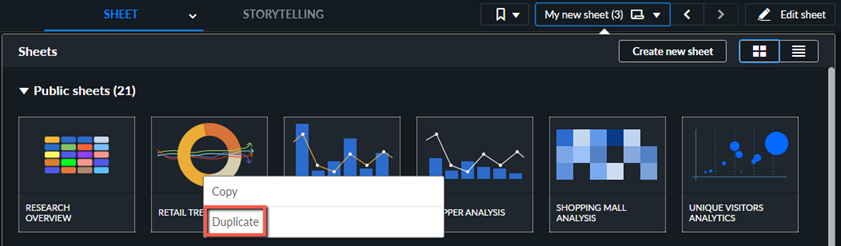
Give a name to the duplicated sheet and click Edit on the duplicated sheet.
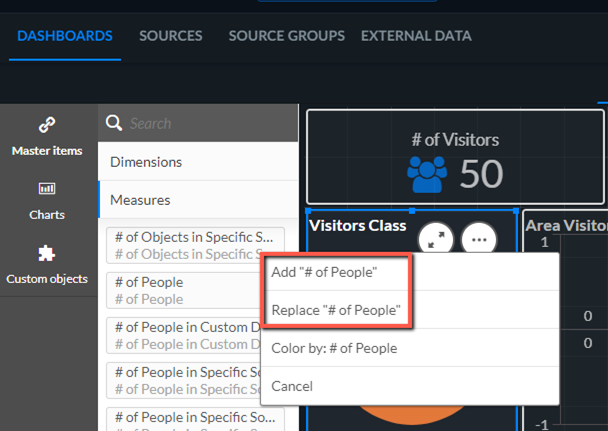
You can now replace and add different measures and dimensions by dragging a measure or dimension from the Master Items over the relevant visualization.
If you want to copy charts from one dashboard to another:
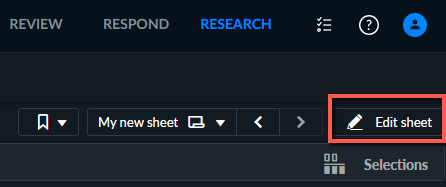
Open a dashboard from your My sheets section or duplicate a dashboard where you want to copy the chart from and click Edit.
Click on the chart that you want to copy and press Ctrl+C or right-click on the chart and select Copy.
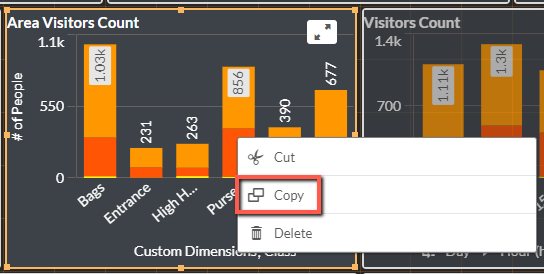
Open the dashboard where you want to paste the dashboard and click Edit.
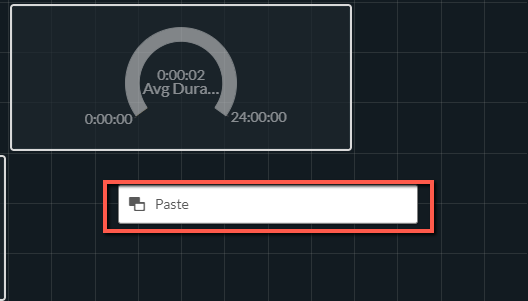
Click on the chart that you want to copy and press Ctrl+V or right-click on the chart and click Paste.