Illumination Changes
This feature is disabled by default. The admnistrator can enable this.
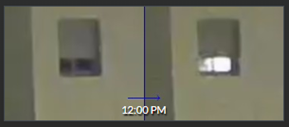
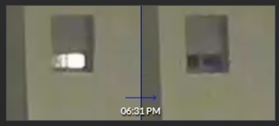
Use the Illumination Changes class to filter for windows or other lights that were turned on and off. You’ll see a chronological VIDEO SYNOPSIS® where illumination change events are represented as objects and displayed once for lights-on and once for lights-off.
Here are two examples:
The following changes are not detected:
Short changes of lights on and lights off. This tolerance level can be changed by the administrator.
Illumination changes in very small areas. This tolerance level can be changed by the administrator.
Gradual illumination changes (e.g. light and shadow changes by sun movement).