Face Watchlists
To search for a person in real-time, a watchlist needs to be used.
To add a face watchlist:
Open the Customizations menu at the top right-hand side of the screen.
Click the Face Watchlists option.
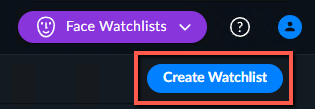
From the middle or top right-hand corner of the screen, click Create Watchlist.
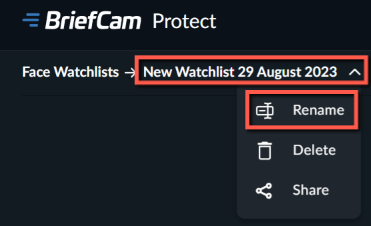
Give the watchlist by clicking on the New Watchlist entry and clicking Rename.
When you finish typing in the new name, click the checkmark to the right of the name.
Upload the images.
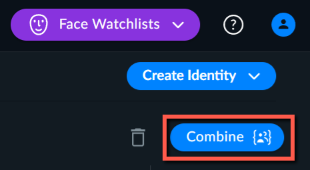
If you have multiple images of the same person, select the images of that person and click Combine.
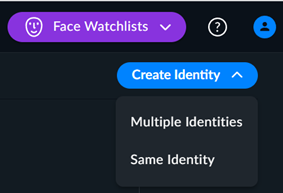
You can add additional identities by clicking Create Identity and then select whether to upload files of the same person (Same Identity) or for various individuals (Multiple Identities).
Note that if you upload a one-star image, the images will be displayed in the Unusable images section.
You can also upload multiple faces from a folder. For more information, see Uploading Multiple Faces from a Monitored Folder.
Click Next, rename the images if you want and then click Save.
Tip
The recommended maximum number of objects for a watchlist is 200,000.
You can upload up to 500 images at a time, while each face file is limited to 20MB. Your administrator can change these limits. If you have more than 500 images, divide them up into batches of up to 500 or upload the images using the monitored folder feature (see: Uploading Multiple Faces from a Monitored Folder). When using a Chrome version below 72.0.3626.81, the limit is 125 images per upload.
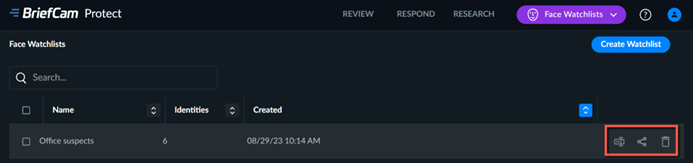
When you hover over a watchlist, you have options to rename, share or delete the watchlist.
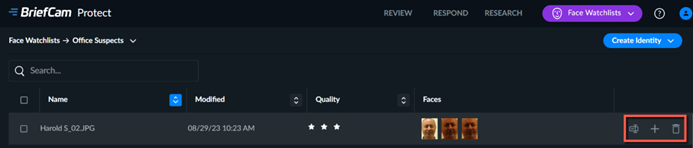
When you hover over an identity, you have options to rename, add additional images, or delete the identity.
Note
Uploading identities can be disabled by the administrator.
Faces added to a watchlist remain in the case filter even when the user exits the case.
Once an identity is added to a watchlist it will not be deleted when the case is deleted (by the user or by maintenance).
When adding an identity to multiple watchlists, the identity is duplicated to the selected watchlists and it will no longer be the same identity, but duplicates of the original identity.
Warning
After deleting or cancelling a same identity watchlist, creating a new same identity watchlist fails. To solve this issue, refresh BriefCam.