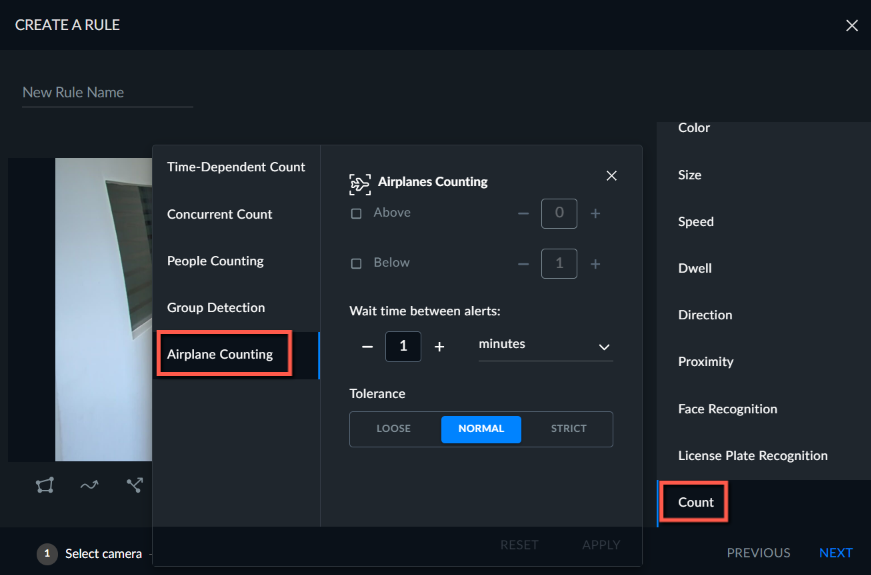
Creating an Airplane Counting Rule
When using the Next-Gen engine, you can set a rule to count airplanes.
To count airplanes:
Select the Count filter and then Airplane Counting.
Select either the Above or the Below checkbox.
Set the number of airplanes in the selected checkbox.
Click APPLY.