Why am I getting an Error message in the Sources pane?
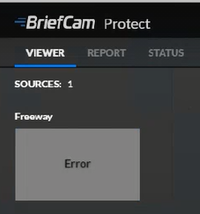
To fix this behavior, try the following:
Go to the STATUS tab and see what error is appearing.
Check the relevant log files. For example, if the error says: "Fetching failed", check the Fetching log.
In the BriefCam Administrator Console, sync the camera to the VMS and see if the sync is successful.
Restart the relevant services in the BriefCam Administrator Console.
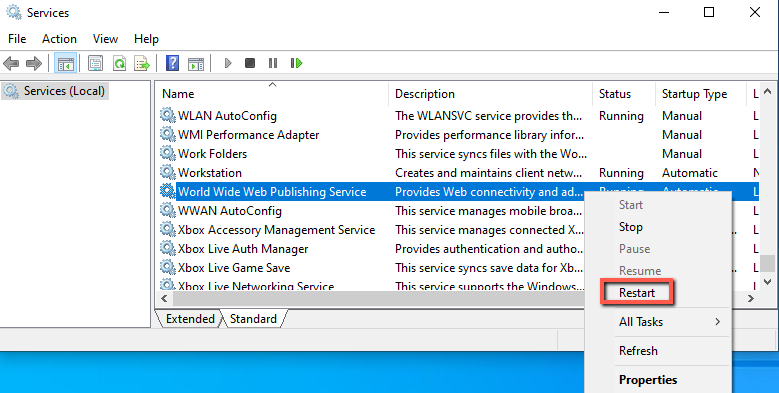
From the Windows services, restart the VSService.
From the Windows services, restart IIS (by right-clicking on the World Wide Web Publishing service and clicking Restart).