Tag Management
You can tag cameras, allowing users to easily search for cameras by category in BriefCam’s web client.
To add a tag:
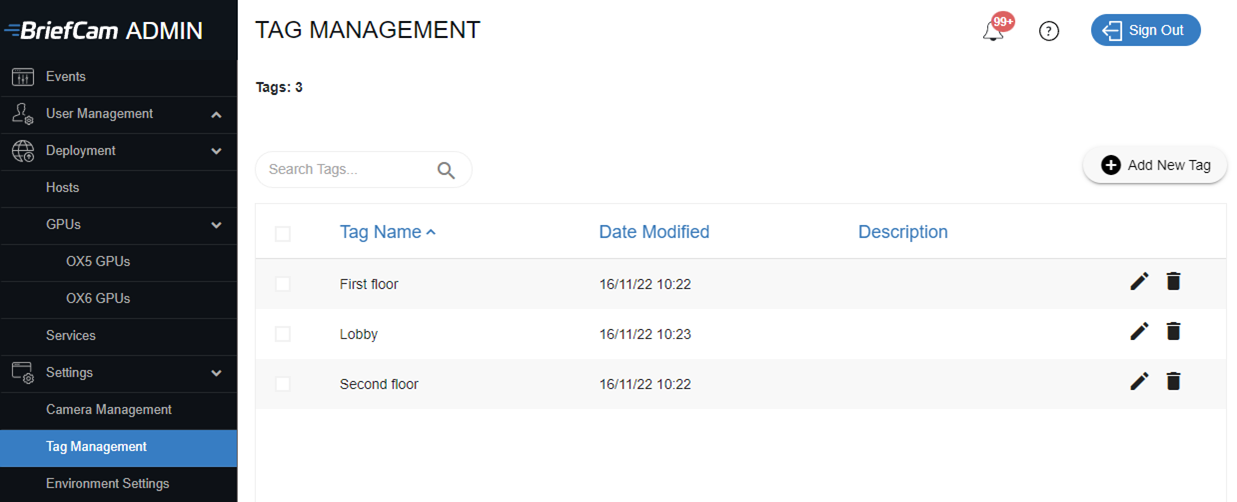
Open the Tag Management section (see image below).
Click the
 button.
In the Add new tag screen, enter a name for the tag and an optional description.
Click ADD.
In the Camera Management screen, you can now use these tags to categorize the cameras.