Other Class
Caution
This functionality is not applicable for the Hub. It is only relevant for sites and in standalone deployments.
All objects that do not fall into one of the high-level classes with high confidence are classified as Other. Usually, this class category will not contain objects of interest.
Other objects are not shown unless the Other class is selected. This behavior is different than usual classes whose objects are shown if no other filter is selected.
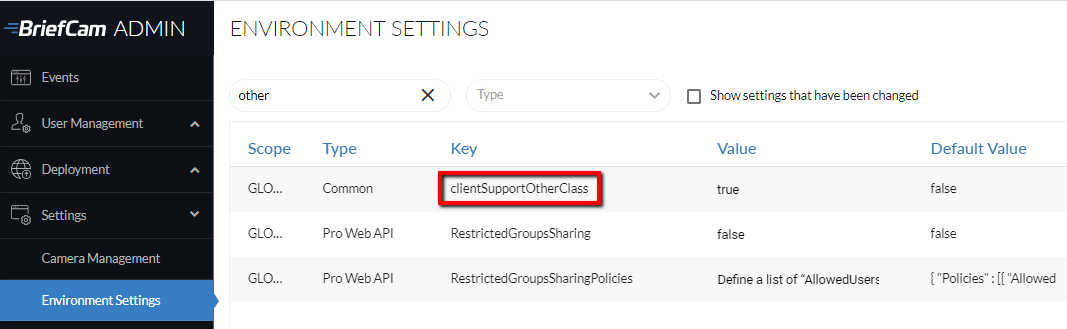
By default, the Other class does not appear in the Class list. To display this class in the BriefCam interface, set the clientSupportOtherClass environment setting to true.