Assigning a Time Zone to a Camera
Note
This functionality is only supported for the RESPOND module in multi-site deployments.
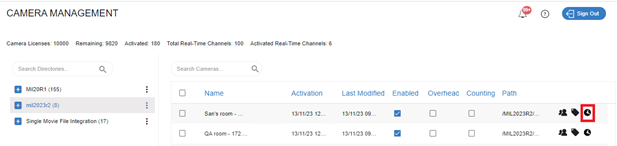
You can manually assign a time zone to a camera by clicking the camera’s time zone  icon.
icon.
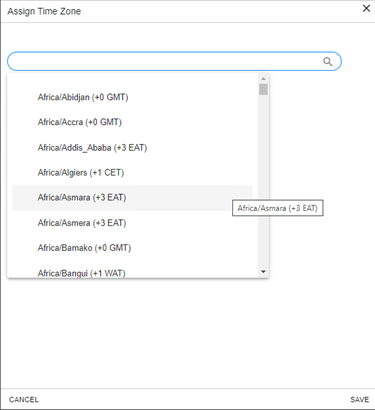
You can then select the time zone relevant for your camera and click SAVE.