

Specify rows per page
Select how many rows per page you want to see in grid fields in Milestone Customer Dashboard.
-
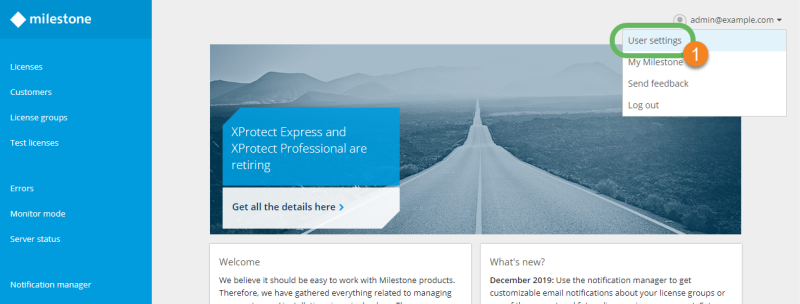
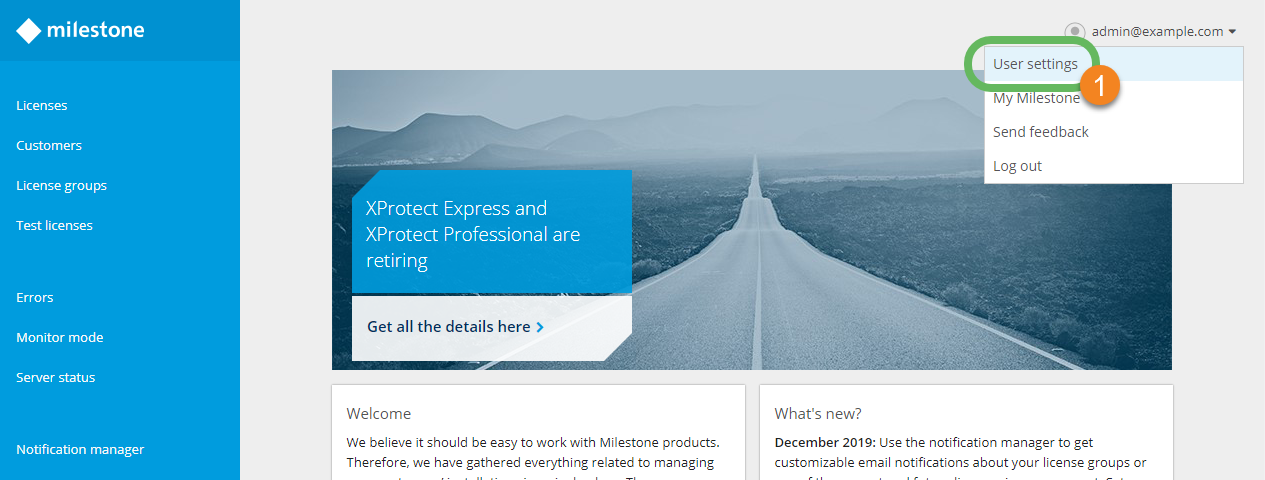
In the upper-right corner, select your login name and select User settings
 .
.
-
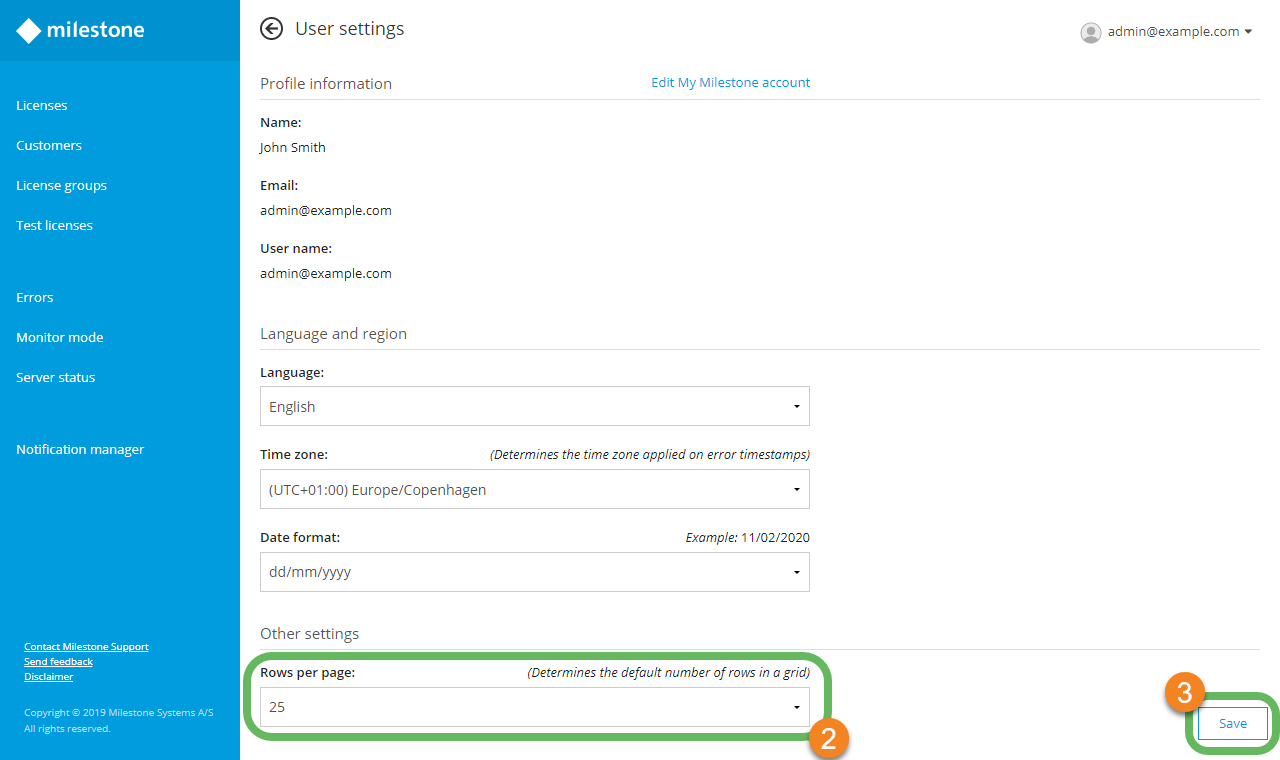
On the User settings page, under Language and region, select the number of rows per page from the Rows per page dropdown
 . You can choose between 10, 25, 50, or 100.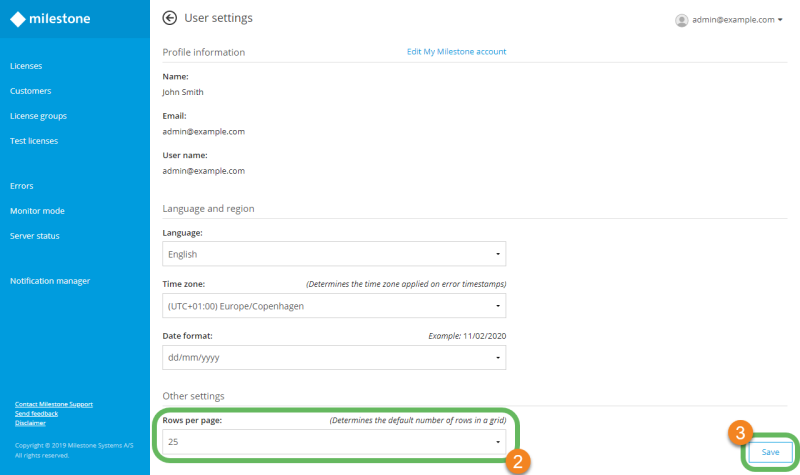
- Select Save
 to apply the changes.
Questo articolo è stato utile?
Grazie per il tuo feedback!